monomech
Single-camera biomechanics that stays inspectable from the first video frame to OpenSim inverse dynamics.
Python 3.10-3.12 Video to TRC External loads OpenSim IK and ID Fast viewer and GLB animation
monomech is built for researchers, students, and developers who want a clear path from raw motion data to reproducible biomechanical files. It keeps each stage separate enough to inspect, but connected enough to run a full pipeline once the inputs look right.
Start With Your Input
-
I have a video
Estimate 2D pose, lift to world/global 3D, export CSV/TRC, then continue into OpenSim when the marker data checks out.
-
I have a TRC
Load marker data, summarize missing values, fill gaps, smooth trajectories, and export a cleaned TRC.
-
I need external loads
Build OpenSim loads from force plates, arrays, constant loads, carried objects, or estimated ground reaction forces.
-
I need IK and ID
Scale a model, run inverse kinematics, inspect marker errors, add external loads, and run inverse dynamics.
-
I need a viewer
Review IK, ID, forces, and body motion quickly, then export a GLB when you need full meshes.
End-To-End Map
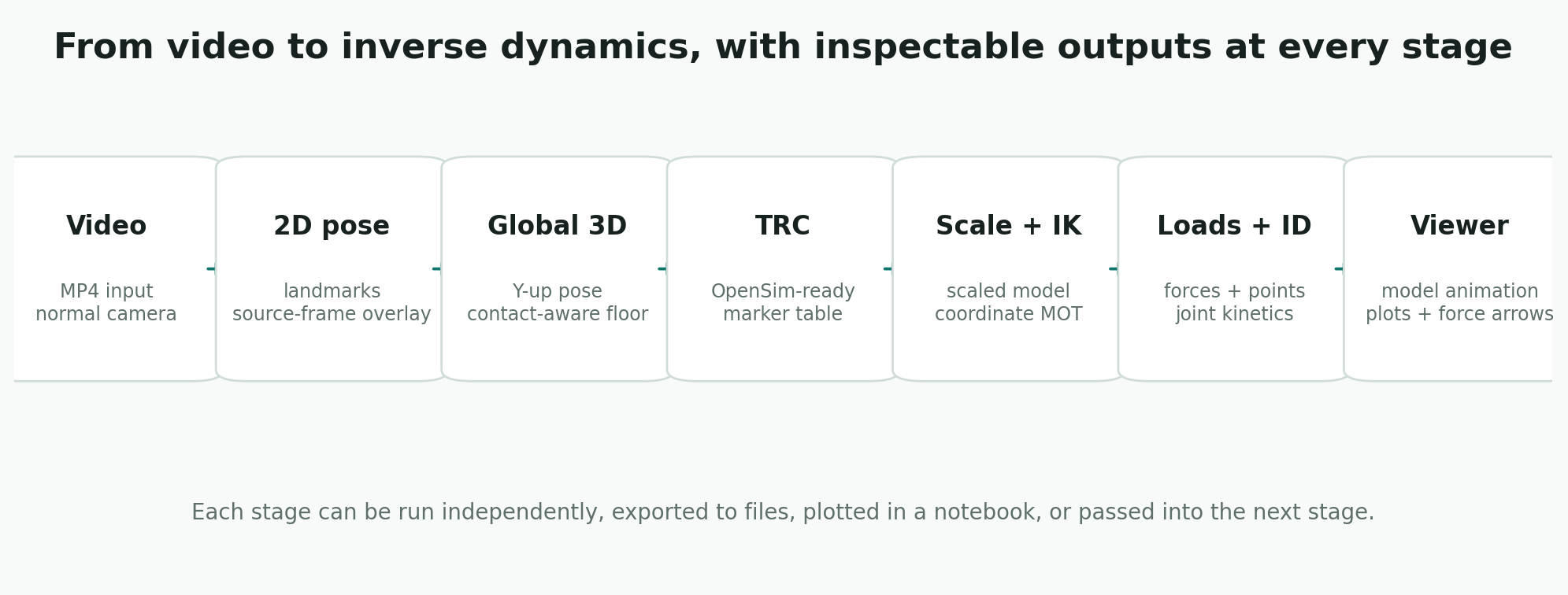
flowchart LR
  A["Video or TRC"] --> B["Pose / marker data"]
  B --> C["CSV and TRC exports"]
  C --> D["OpenSim scale"]
  D --> E["Inverse kinematics"]
  F["Measured or estimated external loads"] --> G["ExternalLoads.xml + MOT"]
  E --> H["Inverse dynamics"]
  G --> H
  H --> I["STO tables for analysis"]
  E --> J["Fast viewer or animated GLB"]
  H --> J
What The Stages Look Like
These are direct outputs from the package plotting helpers, estimated-load tables, and exported Three.js viewer.
-
2D pose overlay
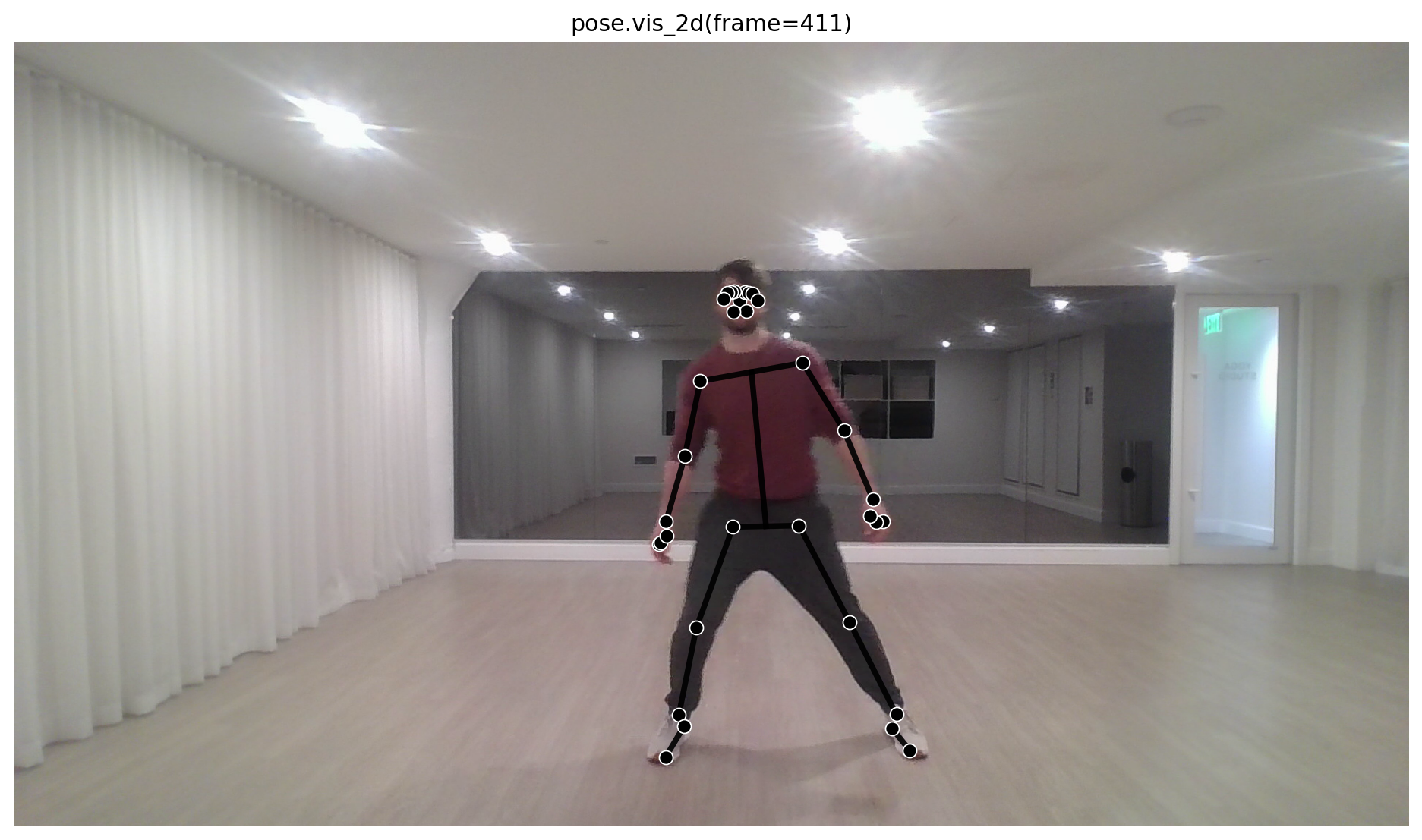
Check the detected body landmarks directly on the source frame.
-
Root-centered 3D
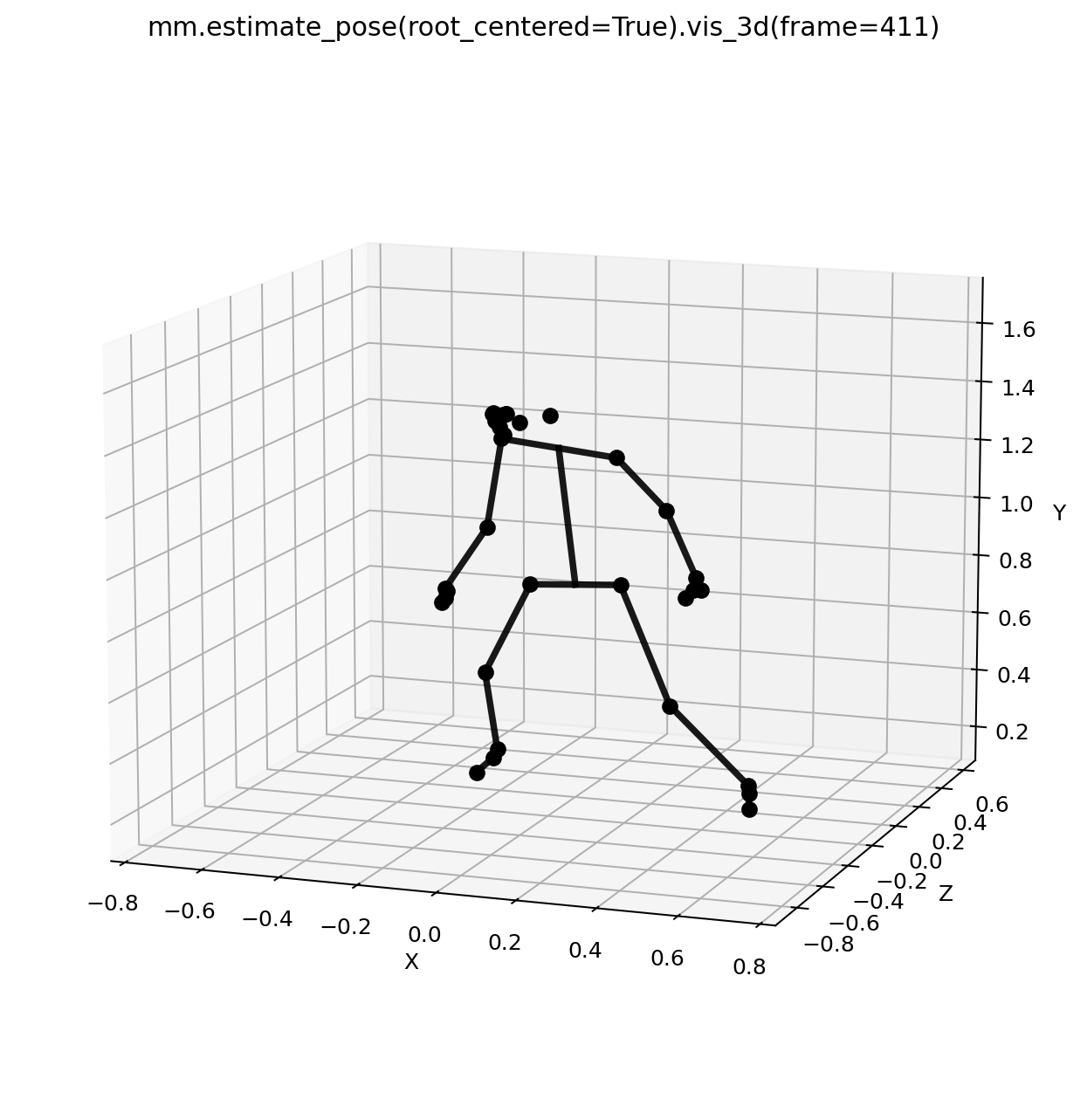
Inspect body shape and relative motion before camera placement.
-
PnP global pose
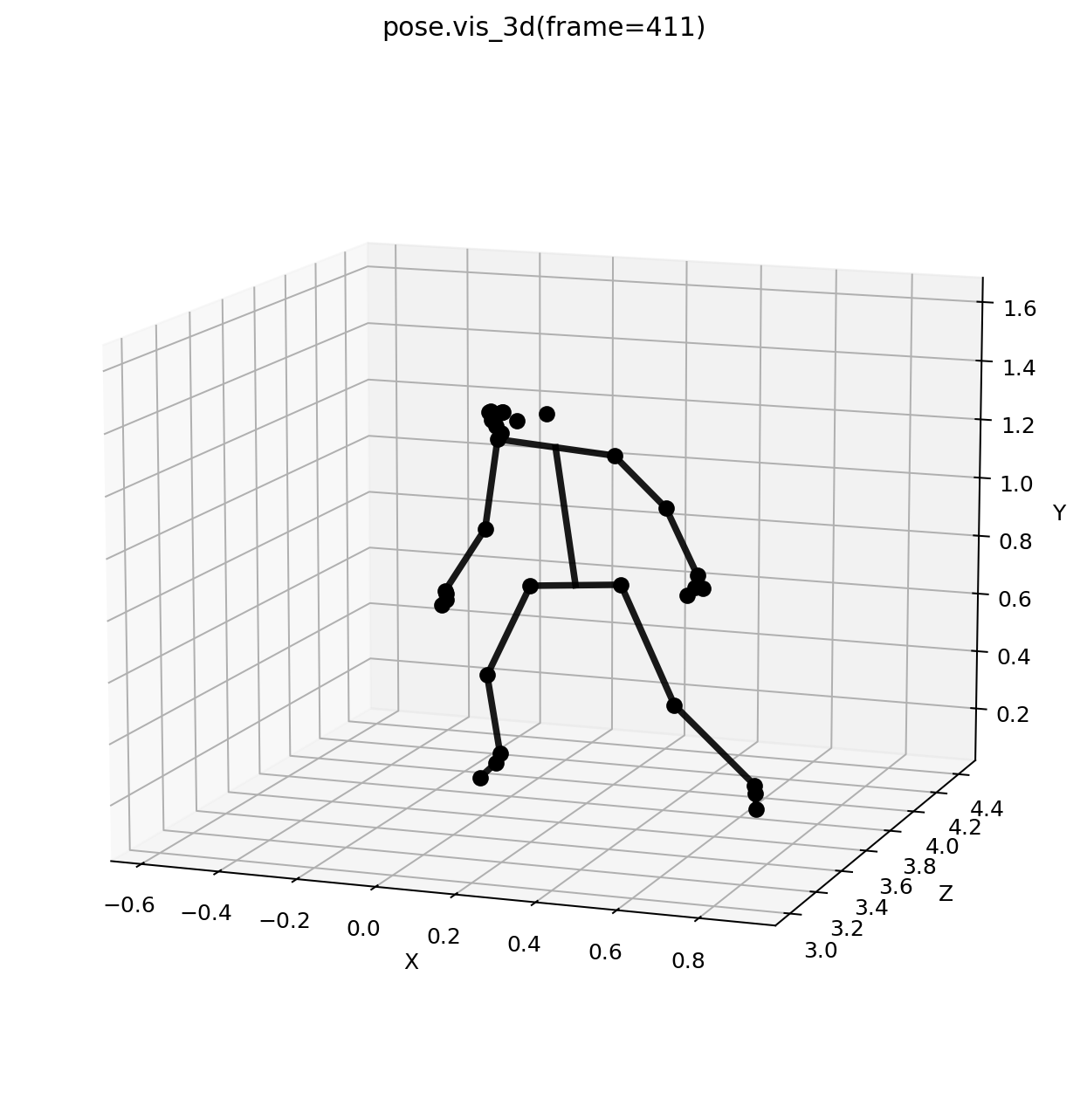
Review a Y-up, floor-aligned 3D pose before exporting to OpenSim.
-
Key IK angles
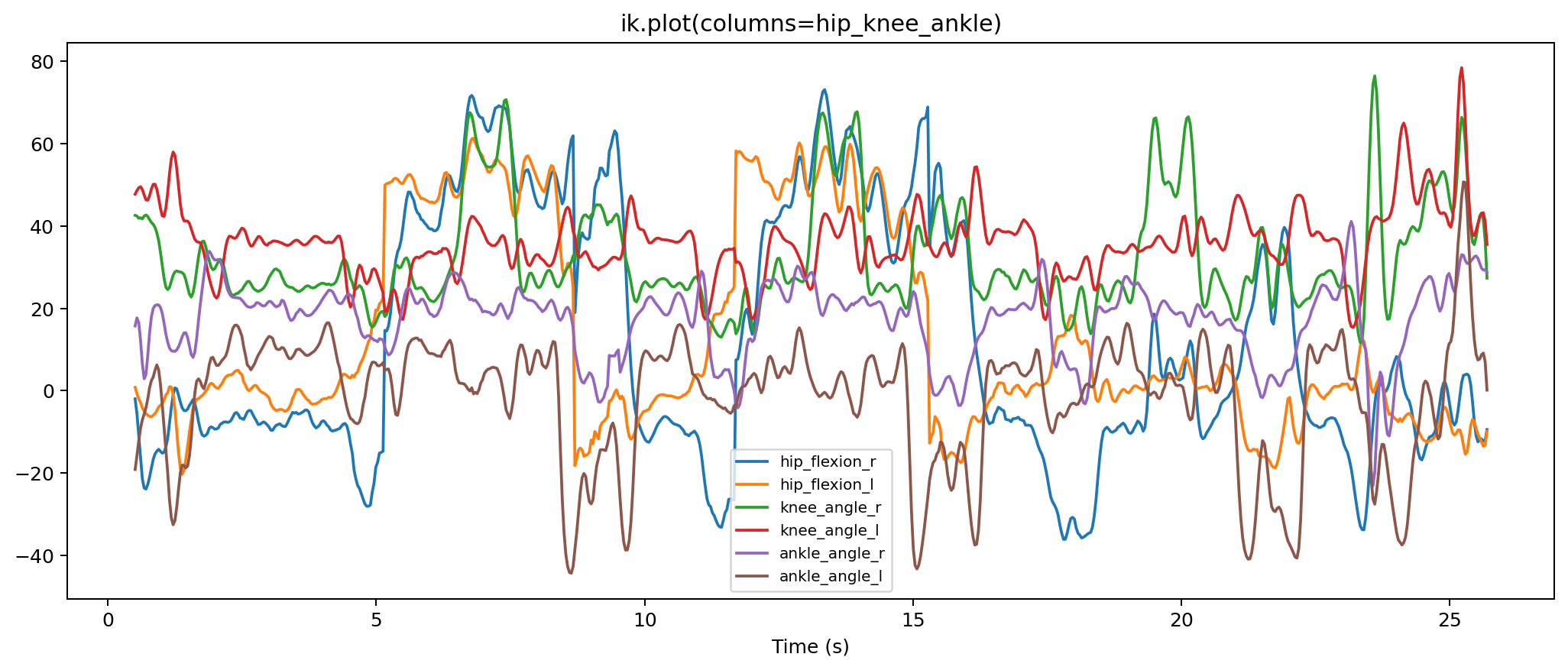
Review the hip, knee, and ankle angles that usually get checked first.
-
Estimated forces
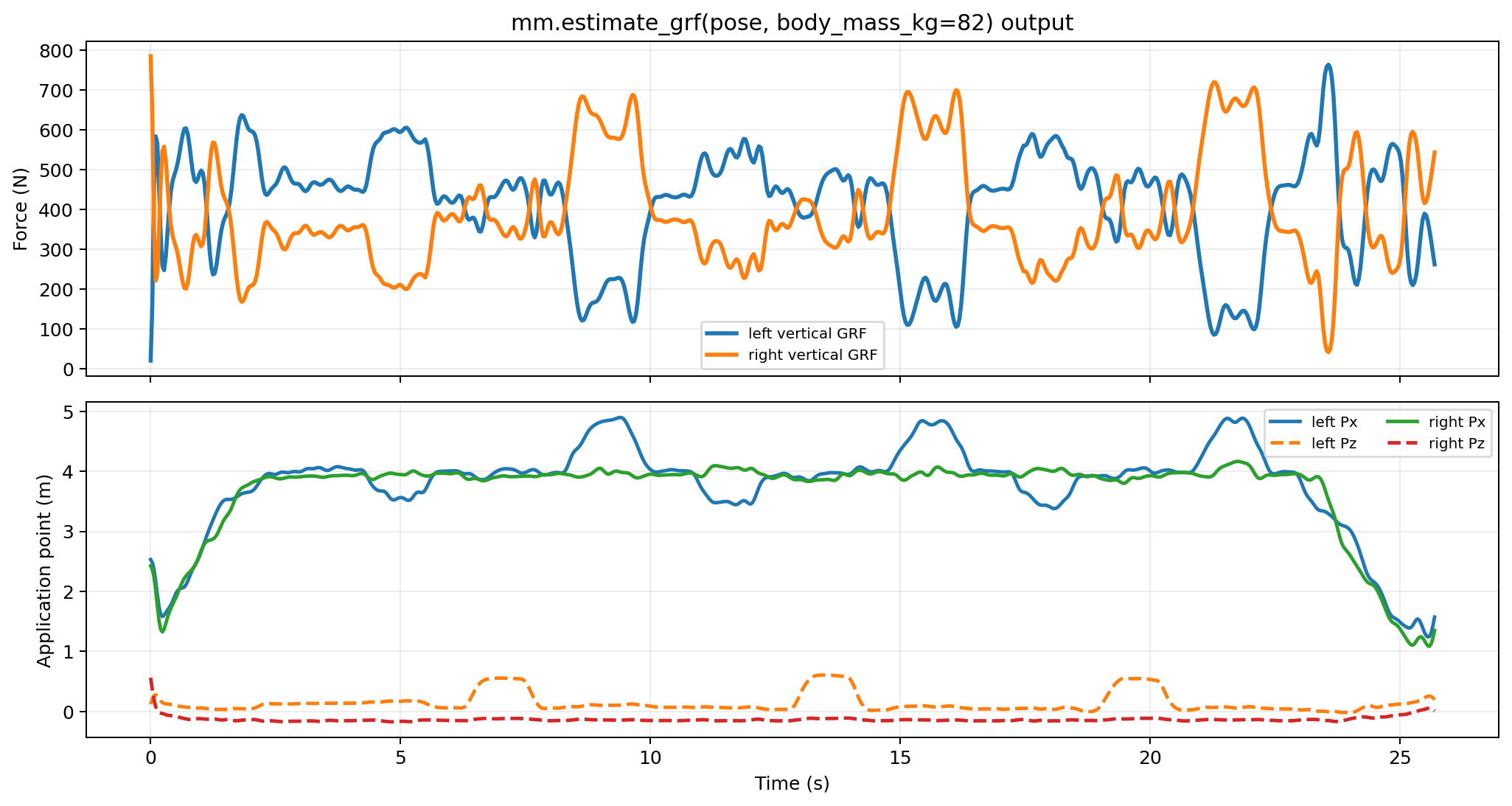
Inspect vertical support and center-of-pressure placement.
-
Key ID kinetics
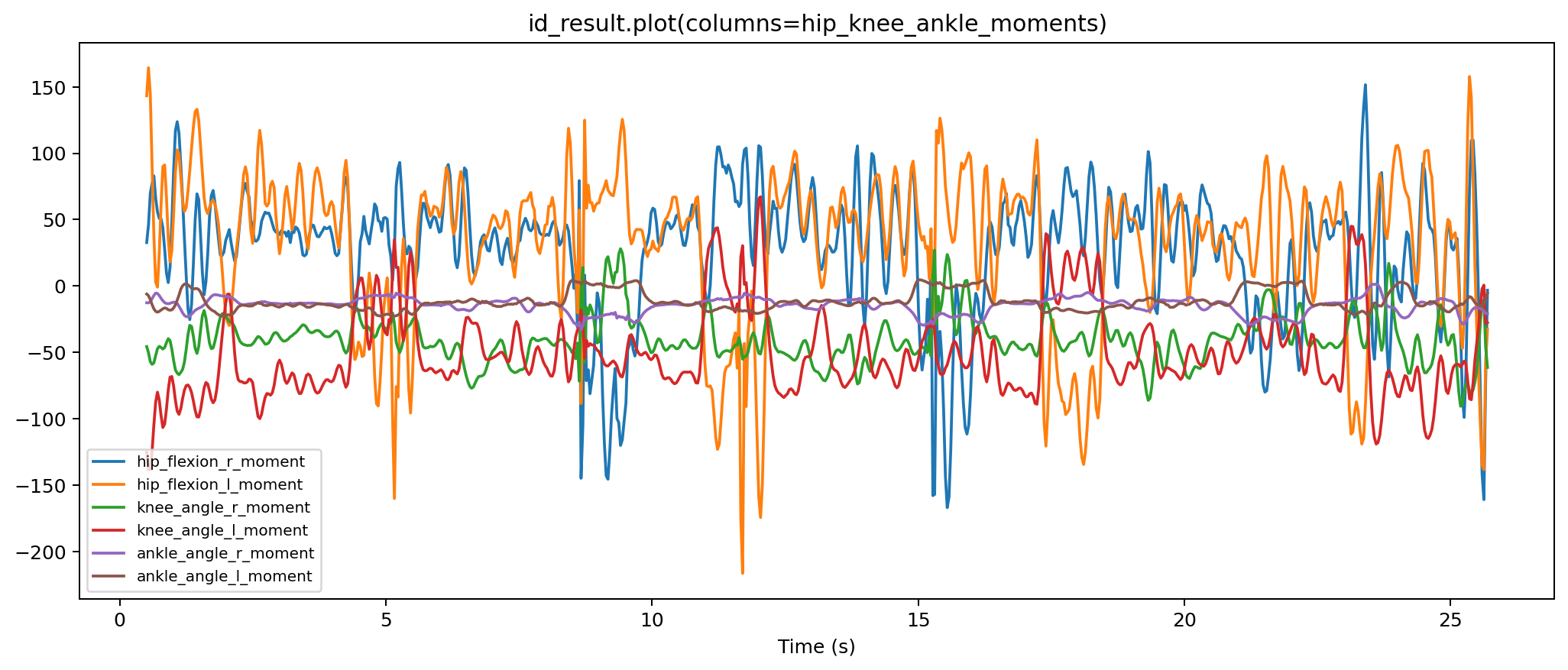
Check the main hip, knee, and ankle moment traces.
-
GLB skeletal viewer
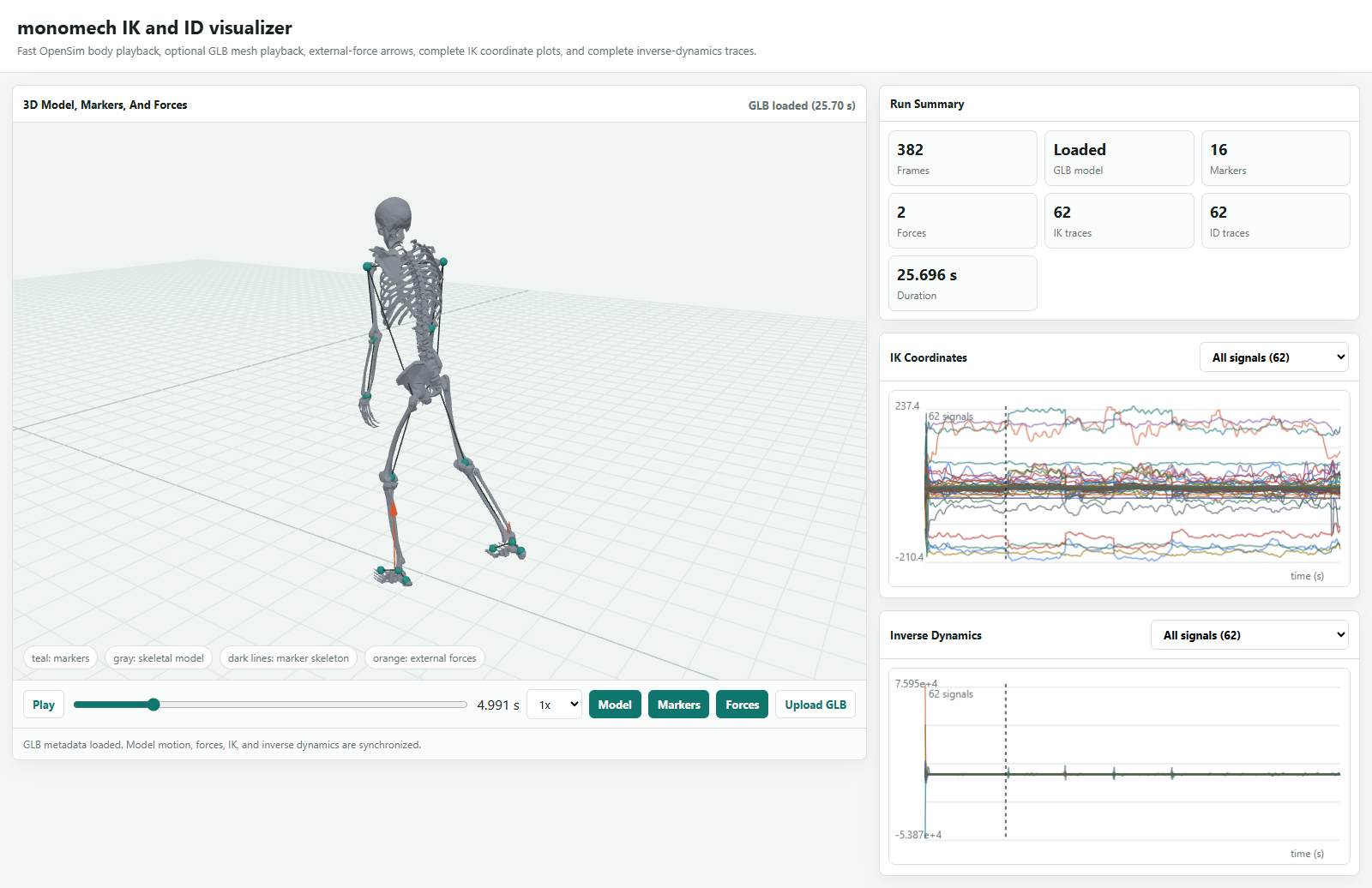
Open the exported skeletal mesh animation in the same viewer used on the docs site.
See the full visual pipeline tour
Install
Start light
The base install is intentionally lightweight. Optional video and OpenSim packages are imported only when their workflows need them.
First Video Export
from pathlib import Path
import monomech as mm

video_path = Path("data/subject01.mp4")
output_dir = Path("outputs/subject01")
output_dir.mkdir(parents=True, exist_ok=True)

pose = mm.estimate_pose(video_path, root_centered=False, floored=True)
pose = mm.gap_fill(mm.smooth(pose))

pose.vis_2d(frame=50)
pose.vis_3d(frame=50)

pose.to_csv(output_dir / "subject01_pose.csv")
trc_path = pose.to_trc(output_dir / "subject01.trc")
print(trc_path)
floored=True uses contact-aware floor alignment by default. The result metadata records the support frames used by the estimator:
First OpenSim Run
scale = mm.run_scaling(
    pose,
    model="pose",
    output_dir=output_dir / "scale",
)

ik = mm.run_ik(scale, output_dir=output_dir / "ik")

estimated_loads = mm.estimate_grf(pose, body_mass_kg=75.0)

id_result = mm.run_id(
    ik=ik,
    external_forces=estimated_loads,
    output_dir=output_dir / "id",
)

viewer = mm.animate(
    ik=ik,
    id=id_result,
    external_loads_path=id_result.metadata["external_loads_mot_path"],
    output_dir=output_dir / "visualizer",
    render="fast",
)
viewer.show()
Built-In Preflight Checks
OpenSim tools can fail on NaNs, infinite values, mismatched timing, or missing files. monomech preflights the common problems before running the tools:
| Stage | Default behavior | Where to inspect |
|---|---|---|
| Scale | Interpolates TRC marker gaps when needed. | scale.metadata["preflight"] |
| IK | Interpolates TRC marker gaps and stores marker error summaries. | ik.metadata["preflight"] |
| ID | Interpolates IK coordinate NaNs before inverse dynamics. | id_result.metadata["coordinate_preflight"] |
| External loads | Resamples loads to IK time and fills non-finite force values. | id_result.metadata["external_loads_mot_path"] |
Recommended Next Steps
-
New users
Follow Getting started from environment setup through exports and troubleshooting.
-
Examples
Open Example notebooks for video, marker cleanup, OpenSim setup, and video-to-ID.
-
API reference
Use API reference for function signatures, result methods, and config objects.
-
External loads
Read External loads and forces before trusting inverse dynamics results.
-
Outputs
Use Outputs and files to understand CSV, TRC, MOT, STO, XML, and model artifacts.
-
Visualization
Use the fast no-GLB visualizer for notebook review, or export a single GLB from IK and ID outputs with OpenSim animation export.