Full Pipeline
The pipeline helpers run the common workflows in one call while still returning every stage output. Use the one-line functions for repeatable processing, and use the staged calls when you are tuning model fit, marker cleanup, external loads, or OpenSim settings.
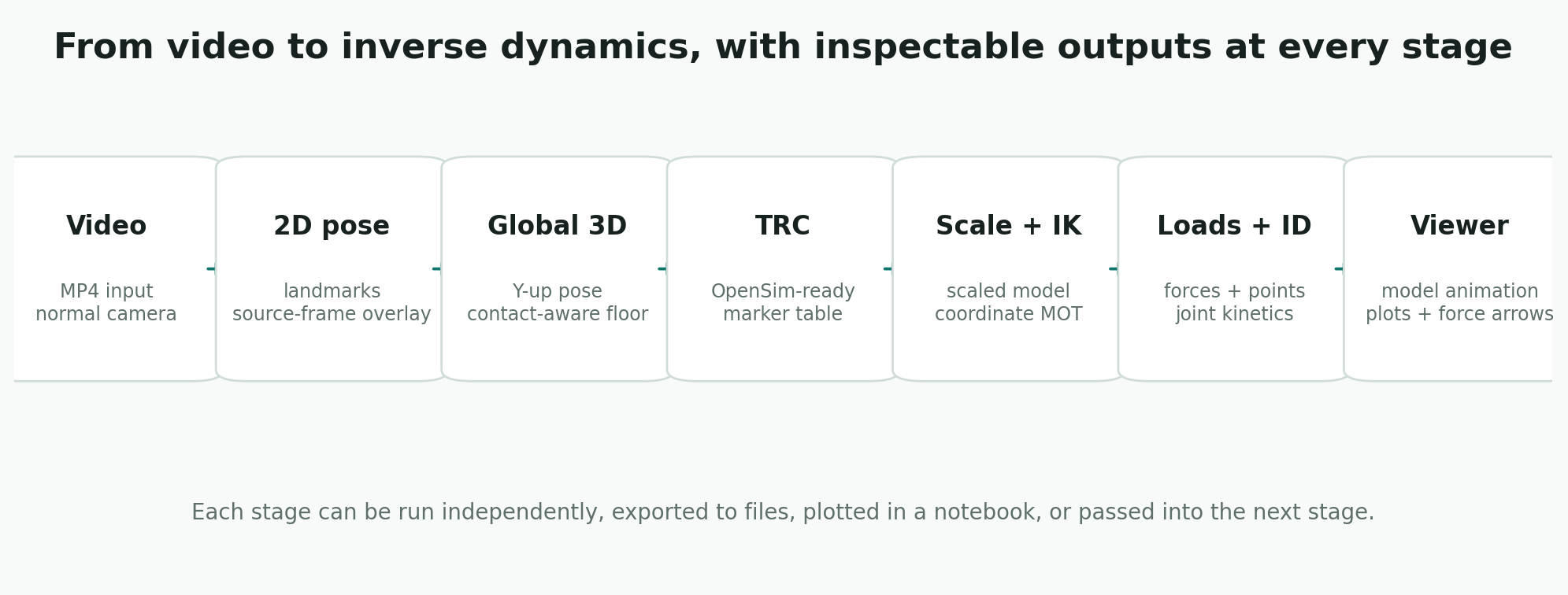
Notebook Workflow
Use the short names when you want each processing step to be visible and inspectable:
import monomech as mm

pose = mm.estimate_pose(
    "data/subject01.mp4",
    root_centered=False,
    floored=True,
)

pose = mm.smooth(pose, cutoff_hz=6.0)
pose = mm.gap_fill(pose, max_gap_frames=12)

pose.vis_2d(frame=80)
pose.vis_3d(frame=80)

scaled_model = mm.run_scaling(
    pose,
    model="pose",
    output_dir="outputs/subject01/scale",
)

ik = mm.run_ik(
    scaled_model,
    output_dir="outputs/subject01/ik",
)

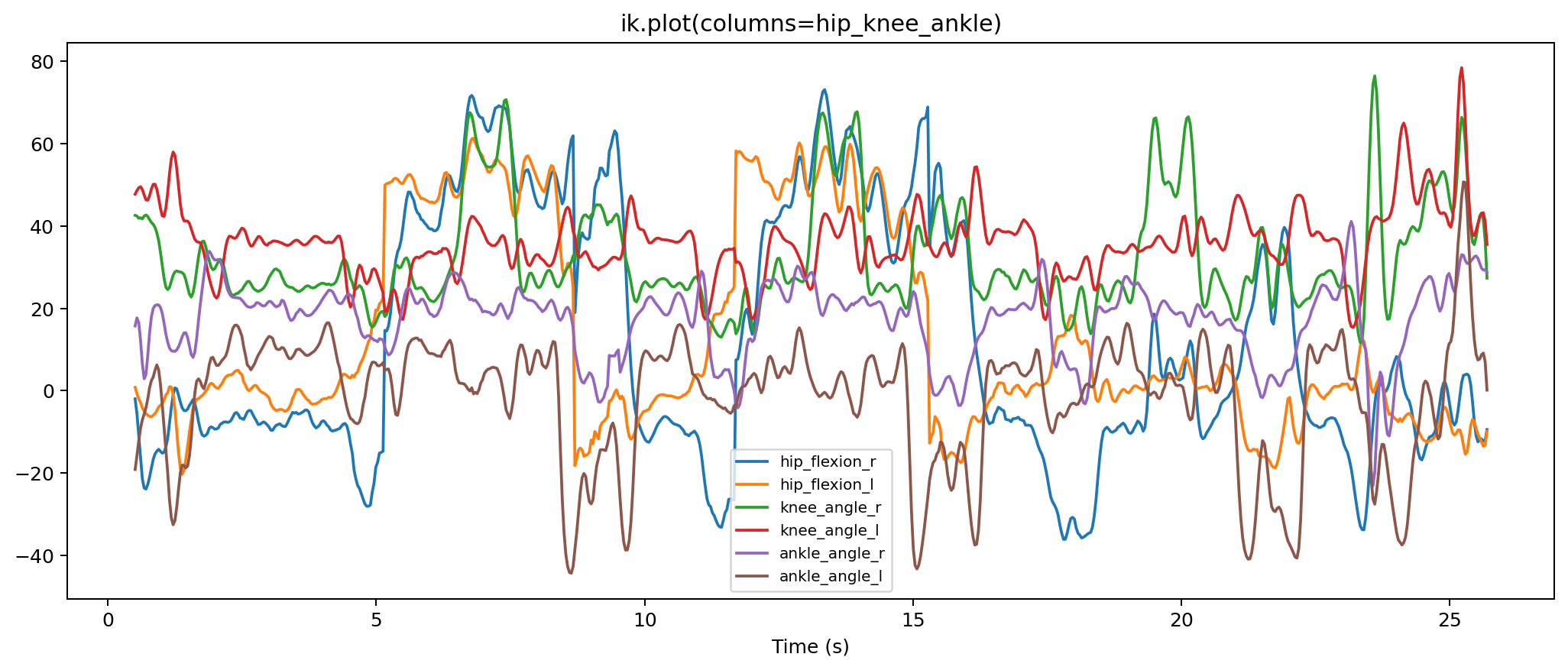
ik.plot()
ik.to_csv("outputs/subject01/ik.csv")
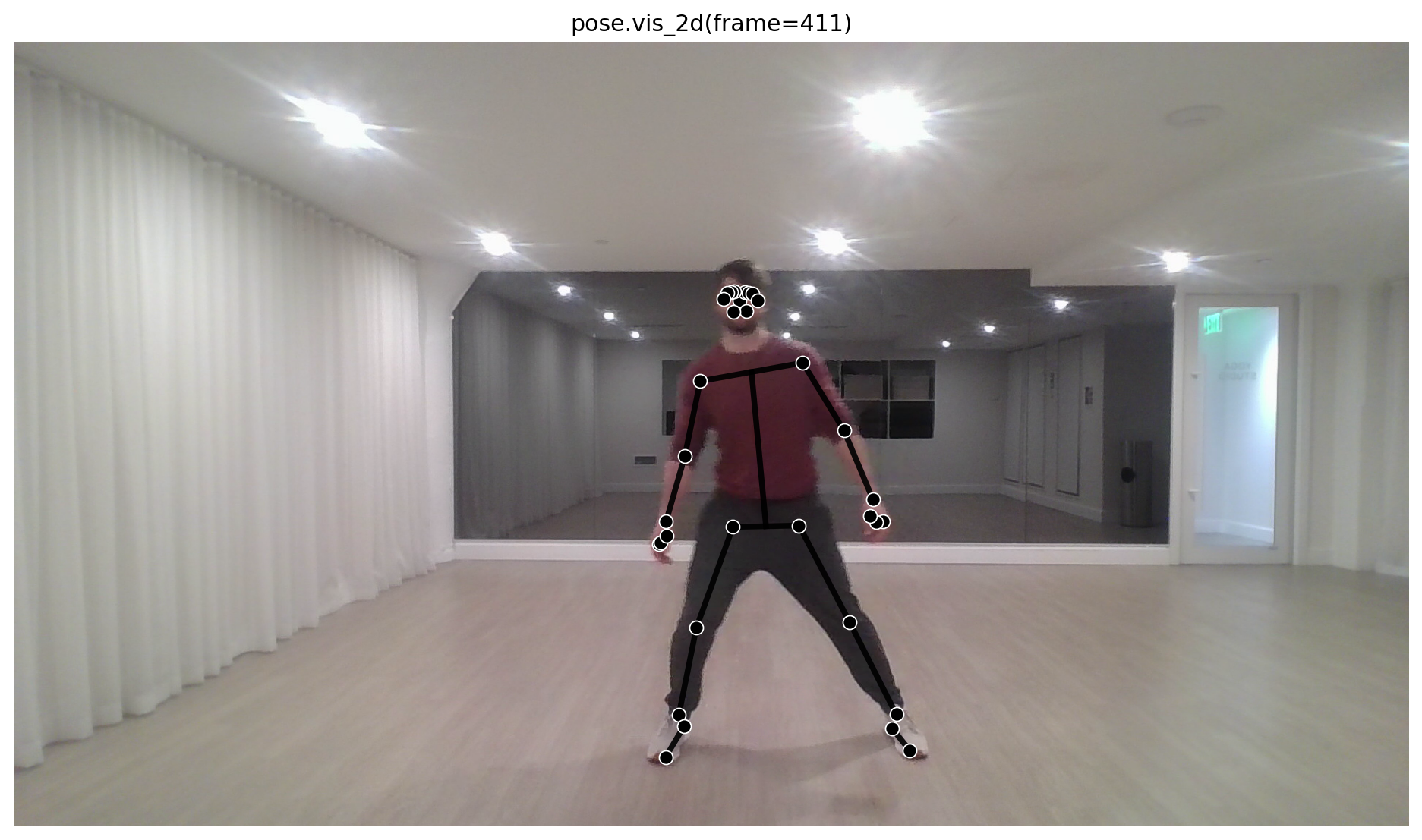
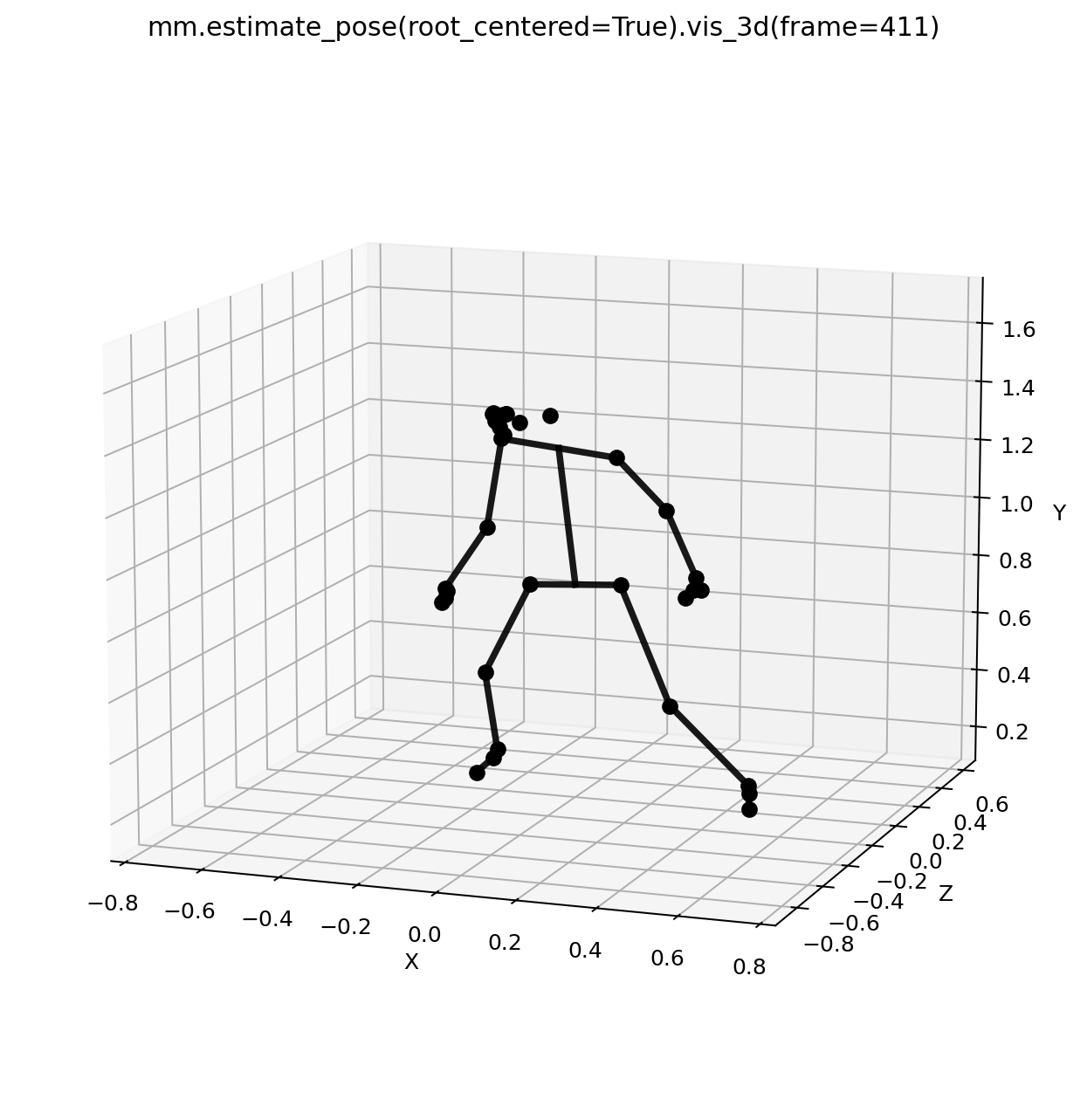
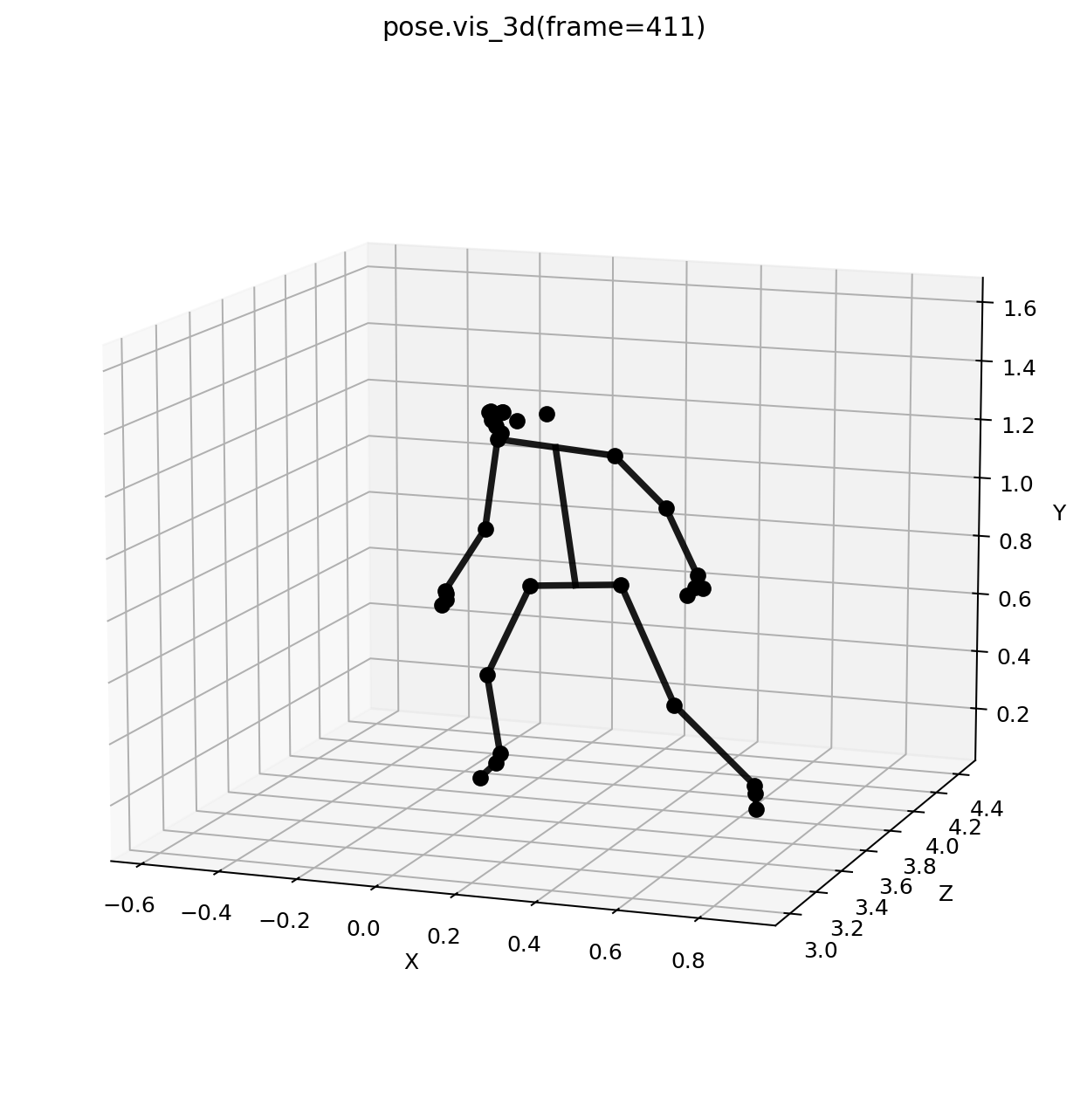
Add loads, run ID, and display the notebook visualizer:
dumbbell = mm.load(type="carried", body="hand_r", mass_kg=10.0)
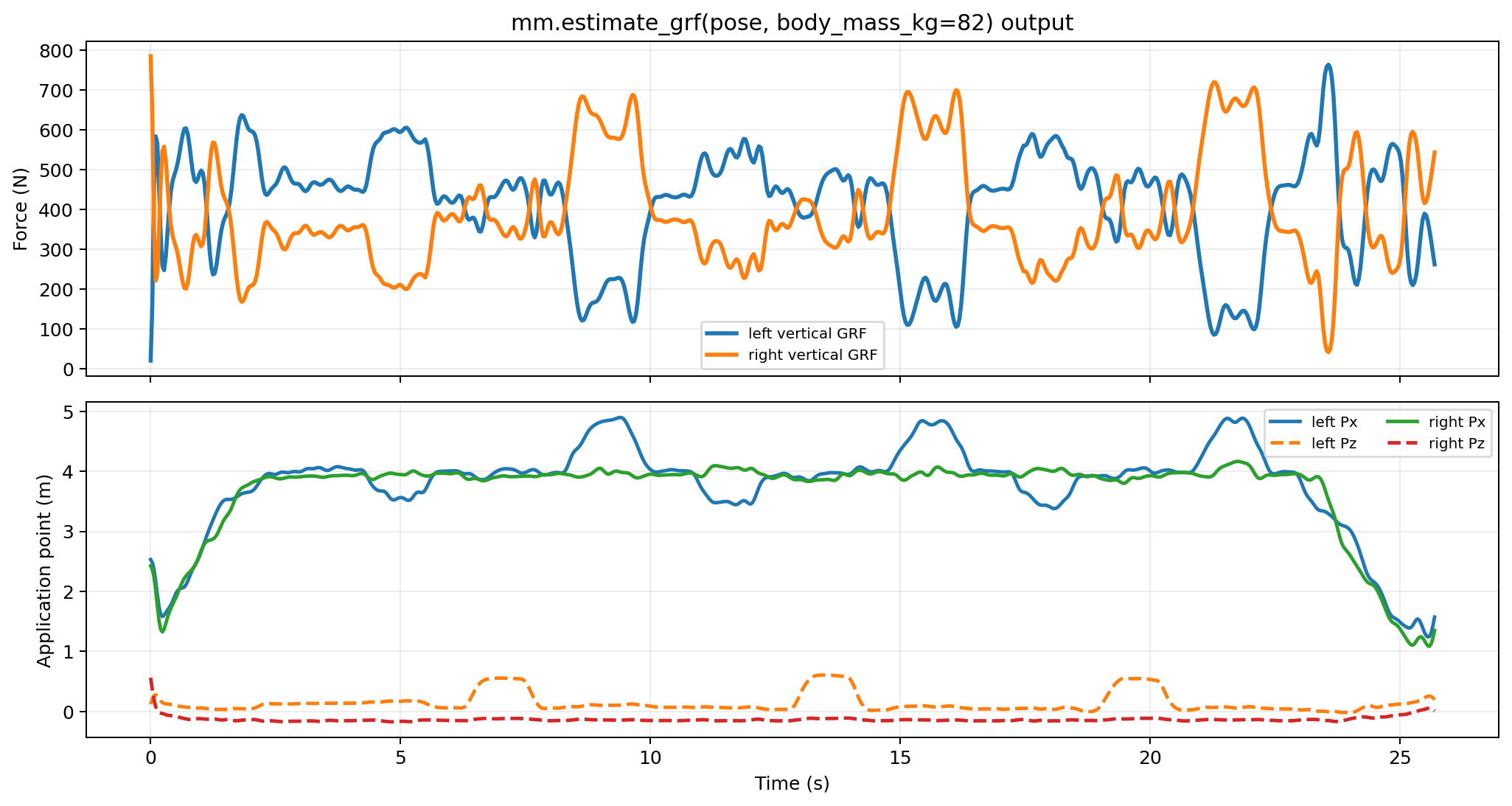
grf = mm.estimate_grf(pose, body_mass_kg=82.0)
forces = mm.external_forces(loads=[dumbbell, *grf])

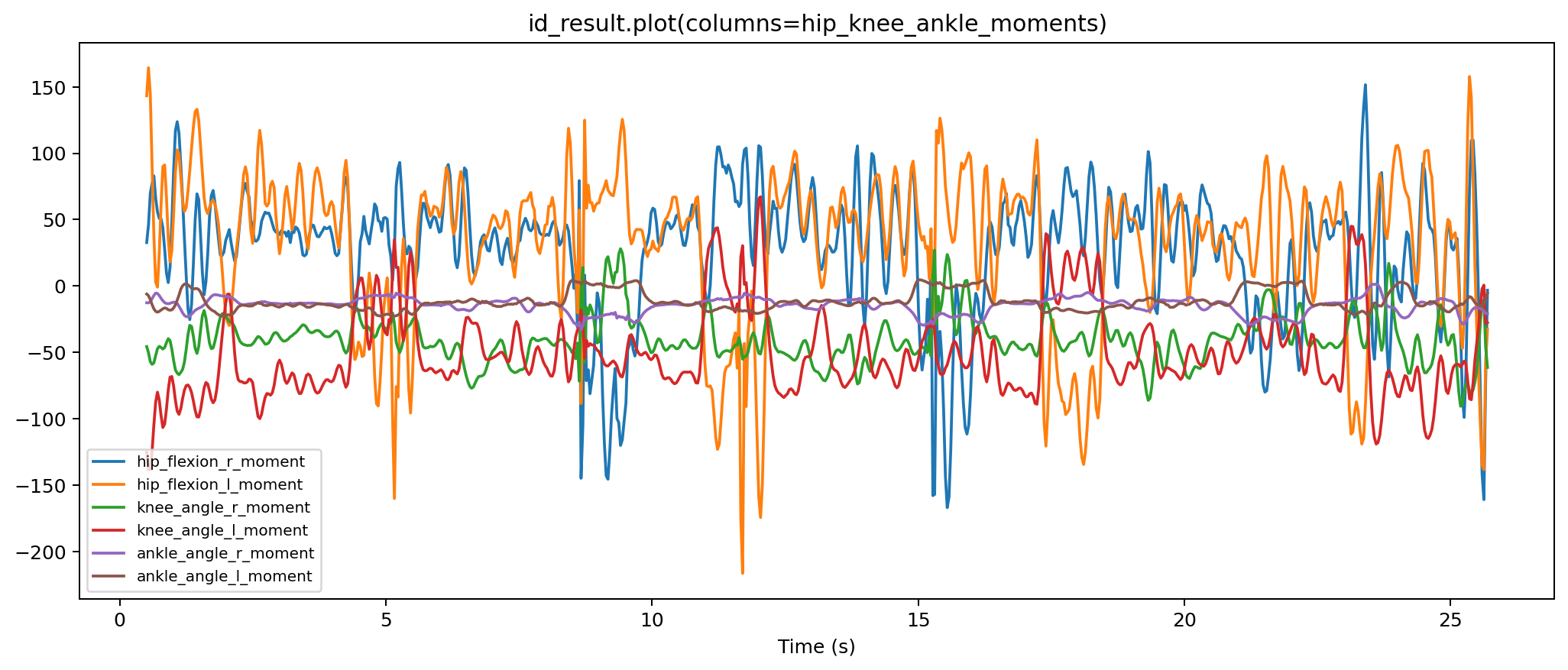
id_result = mm.run_id(
    ik=ik,
    external_forces=forces,
    output_dir="outputs/subject01/id",
)

animation = mm.animate(
    ik=ik,
    id=id_result,
    external_loads_path=id_result.metadata["external_loads_mot_path"],
    output_dir="outputs/subject01/visualizer",
)

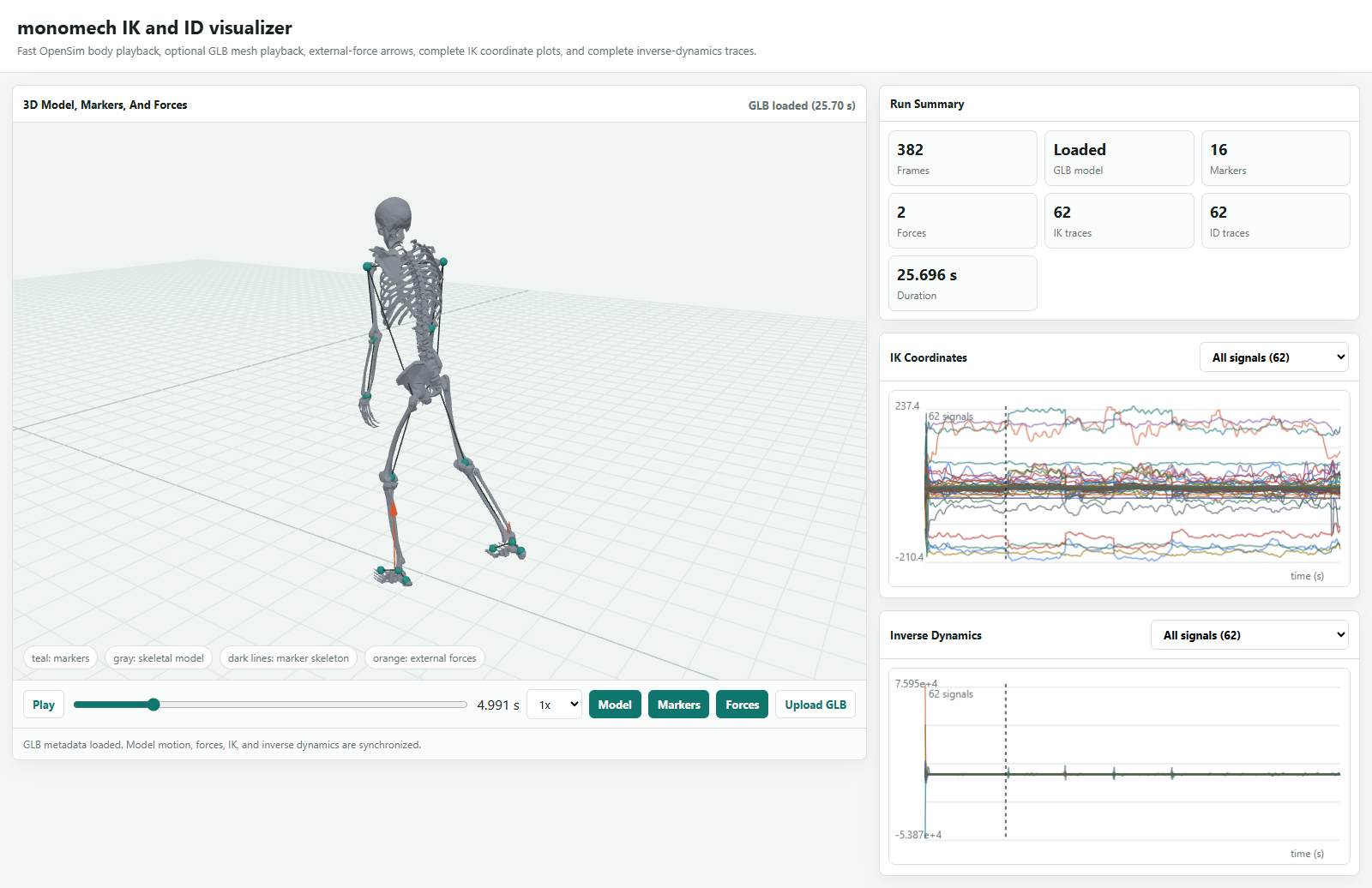
animation.show()
Video To TRC
import monomech as mm

run = mm.video_to_trc(
    "data/subject01.mp4",
    output_dir="outputs/subject01",
    sample_fps=30,
)

print(run.trc_path)
Returned Object
The returned PipelineRun can contain:
| Attribute | Meaning |
|---|---|
pose2d |
2D landmark result. |
pose3d_world |
MediaPipe world landmark result. |
pose3d_global |
Global 3D pose result suitable for export. |
csv_paths |
CSV files written during export. |
trc_path |
OpenSim-ready TRC path. |
TRC Markers To Inverse Dynamics
Use trc_to_inverse_dynamics() when you already have an OpenSim-ready TRC:
import monomech as mm

result = mm.trc_to_inverse_dynamics(
    "outputs/subject01/subject01.trc",
    model_path="models/subject01_scaled.osim",
    output_dir="outputs/subject01/opensim",
    external_forces=None,
)

print(result.ik.path)
print(result.id.path)
Pass measured or estimated external loads when you need kinetics:
loads = mm.external.from_csv(
    "data/right_force_plate.csv",
    applied_to_body="calcn_r",
    force_columns=("Fx", "Fy", "Fz"),
    point_columns=("Px", "Py", "Pz"),
    time_column="time",
    name="right_grf",
)

result = mm.trc_to_inverse_dynamics(
    "outputs/subject01/subject01.trc",
    model_path="models/subject01_scaled.osim",
    output_dir="outputs/subject01/opensim",
    external_forces=loads,
)
Video To Inverse Dynamics
Use video_to_inverse_dynamics() for the complete path from video to pose, TRC, IK, ID, optional GLB, and an HTML visualizer:
import monomech as mm

result = mm.video_to_inverse_dynamics(
    "data/subject01.mp4",
    model_path="models/subject01_scaled.osim",
    output_dir="outputs/subject01",
    body_mass_kg=75.0,
)

print(result.trc_path)
print(result.ik.path)
print(result.id.path)
print(result.visualizer.html_path)
result.display()
By default, video_to_inverse_dynamics() uses estimated bilateral ground-reaction forces from the pose result. Use measured force-plate data for quantitative kinetics, or pass external_forces=None to run ID without external loads as a setup check.
To combine estimated ground-reaction forces with a carried object, include "estimate" alongside the extra load:
dumbbell = mm.external.carried_load(
    mass_kg=12.5,
    applied_to_body="radius_r",
    point=(0.0, -0.2, 0.0),
    name="right_dumbbell",
)

result = mm.video_to_inverse_dynamics(
    "data/curl.mp4",
    model_path=mm.get_builtin_osim_model("pose"),
    output_dir="outputs/curl",
    body_mass_kg=82.0,
    external_forces=mm.external.with_estimated_grf(dumbbell),
)

result.display()
What To Inspect At Each Stop
| Step | Check |
|---|---|
| Pose result | Landmark coverage, obvious tracking failures, frame rate, and time vector. |
| TRC export | Marker names, units, axes, and missing values. |
| Scale | Scaled model path, setup XML, log, and scale.metadata["preflight"]. |
| IK | ik.metadata["marker_error_summary"] and coordinate plots. |
| External loads | Generated MOT/XML, force signs, center-of-pressure units, and time alignment. |
| ID | STO columns, sign conventions, and whether moments are plausible for the task. |
| Animation | GLB size, dropped nodes, missing geometry, and whether the motion looks plausible. |
When To Use It
Use video_to_trc() for repeatable video-to-TRC processing once you know the settings you want.
Use trc_to_inverse_dynamics() when your input is already a TRC. Use video_to_inverse_dynamics() when you want the complete video-to-ID path in one line. Use individual stage methods when you are exploring data, debugging model fit, tuning smoothing/export settings, or adding external loads for inverse dynamics.