Global 3D Pose
mm.estimate_pose() returns a Pose3DGlobalResult: a time series of 3D landmarks in a consistent world coordinate system.
import monomech as mm

pose = mm.estimate_pose(
    "data/subject01.mp4",
    root_centered=False,
    floored=True,
)
Coordinate Choices
| Option | Use when |
|---|---|
root_centered=False |
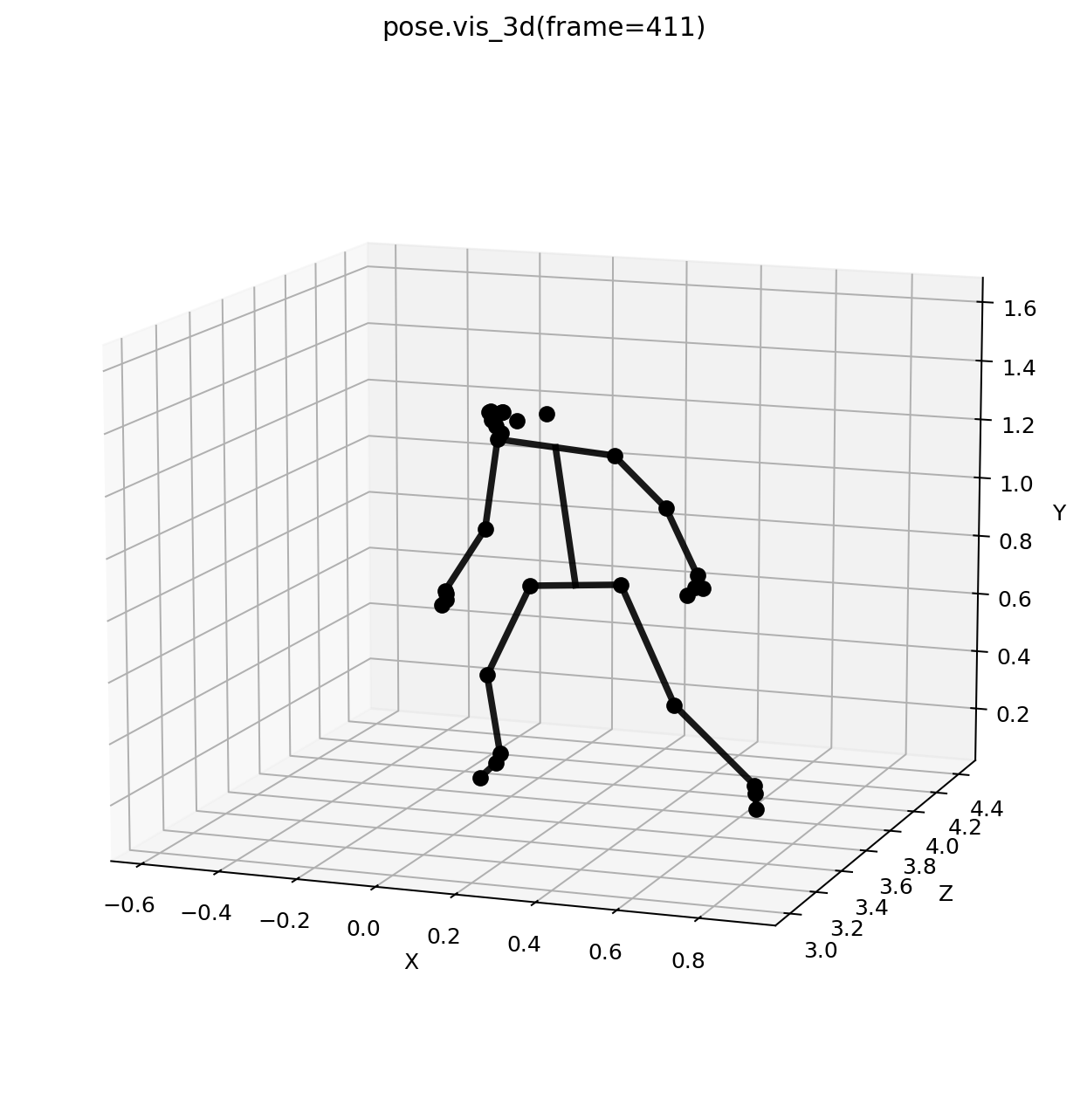
You want camera-positioned motion for OpenSim and review. |
root_centered=True |
You want motion centered around the pelvis. |
floored=True |
You want contact-aware floor alignment for OpenSim and force estimation. |
floored=False |
You want Y-up data without applying the static floor shift. |
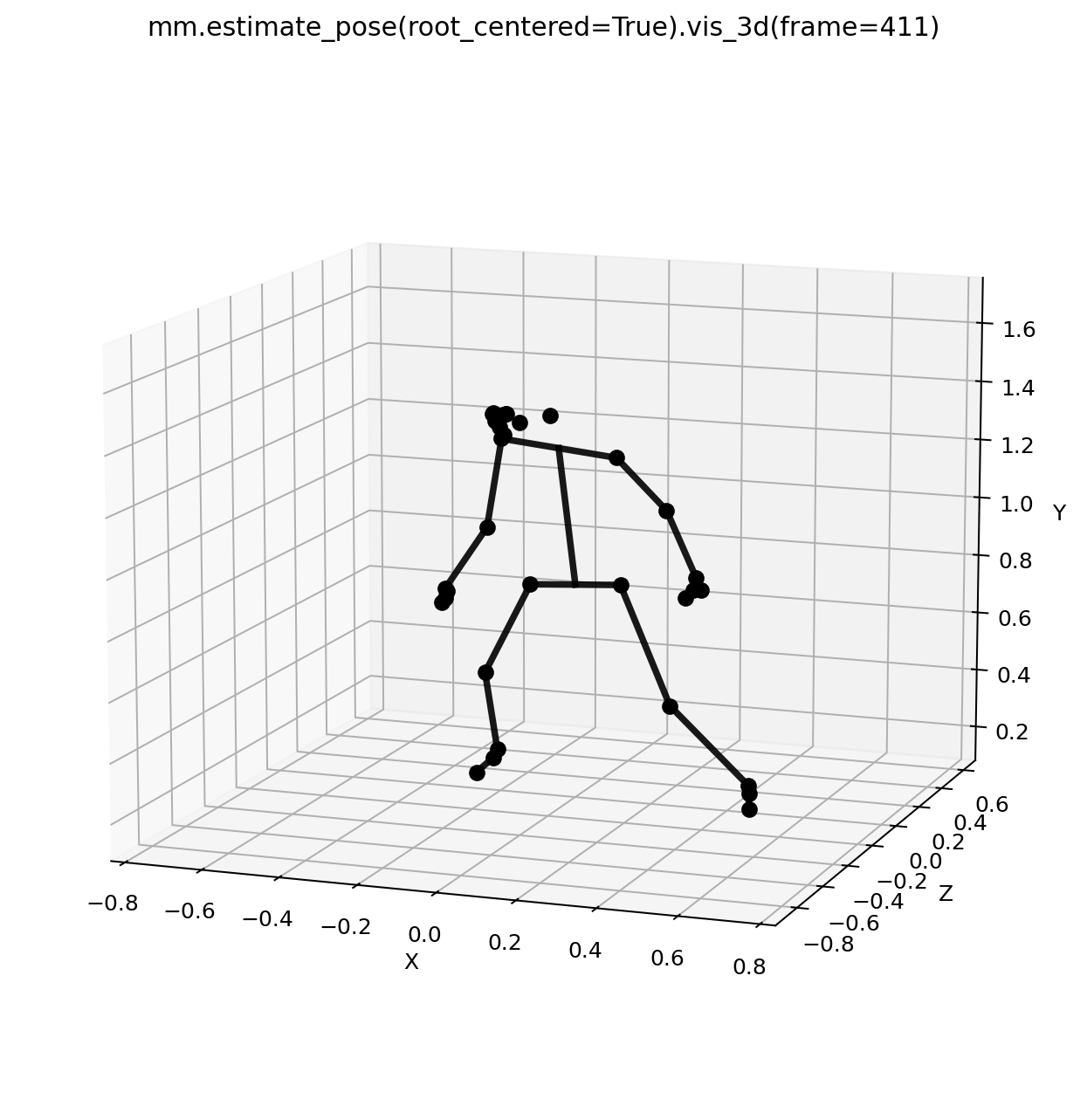
floored=True uses Pose3DGlobalConfig(floor_method="auto"), which looks for slow-moving support-foot samples and estimates the floor from those contacts. This is more stable than using every foot point because swing-foot and low-confidence detections are less likely to define the ground.
pose = mm.estimate_pose("data/subject01.mp4", floored=True)

print(pose.metadata["floor_method"])
print(pose.metadata["floor_contact_frames"])
Preview
The 3D preview uses a white background, black landmarks and segments, a mid-hip to mid-shoulder trunk connection, and a Y-up view so the plot matches OpenSim conventions.
Clean And Export
pose = mm.smooth(pose, cutoff_hz=6.0, preserve_segment_lengths=True)
pose = mm.gap_fill(pose, max_gap_frames=12)

pose.to_csv("outputs/subject01_global.csv")
pose.to_trc("outputs/subject01_global.trc")
Use Pose3DGlobalConfig when you need explicit global reconstruction settings: