Outputs and Files
monomech result objects are designed to be inspectable in notebooks and useful in downstream tools.
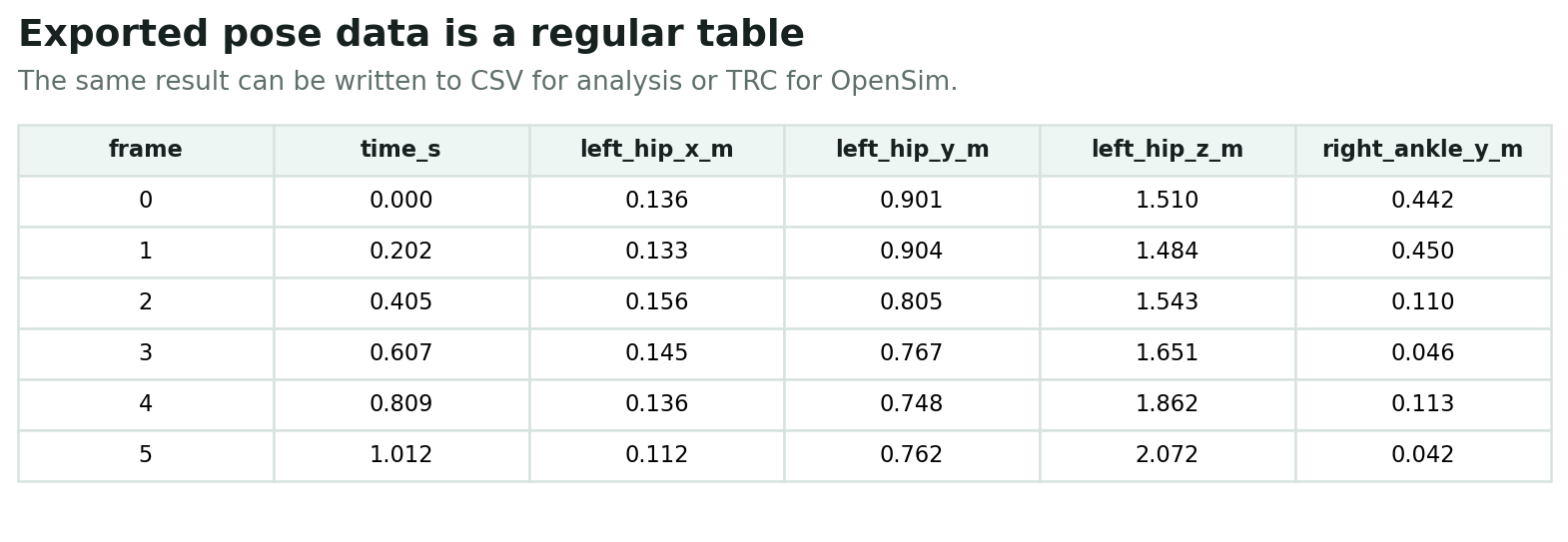
Common Result Methods
Most pose and marker results provide:
to_wide_df()for wide-form analysis tablesto_long_df()for long-form analysis tablesto_csv(path)for CSV exportto_trc(path, model_path=...)where marker/TRC export is supportedsummary()for quick quality checksvis_2d(frame=...)andvis_3d(frame=...)for pose or marker previews.smooth(...)and.gap_fill(...)on compatible results
Video Pipeline Outputs
pose = mm.estimate_pose("subject01.mp4")
pose = mm.gap_fill(mm.smooth(pose))

pose.to_csv("outputs/subject01/subject01_pose.csv")
pose.to_trc("outputs/subject01/subject01.trc", model_path=mm.get_builtin_osim_model("pose"))
Typical files:
outputs/subject01/
  subject01_pose2d.csv
  subject01_pose3d_world.csv
  subject01_pose3d_global.csv
  subject01.trc
Marker Pipeline Outputs
markers = mm.gap_fill("walk.trc", max_gap_frames=20)
markers = mm.smooth(markers, cutoff_hz=6.0)
markers.to_trc("outputs/walk_clean.trc")
Typical files:
OpenSim Outputs
Scale, IK, and ID methods write OpenSim setup files and result files into stage-specific directories by default:
outputs/
  subject01/
    scale/
      *_scale_setup.xml
      *_scaled.osim
    ik/
      *_ik_setup.xml
      *_ik.mot
      _ik_marker_errors.sto
    id/
      *_id_setup.xml
      *_id.sto
      *_ExternalLoads.xml
Exact names depend on the source trial and OpenSim stage configuration.
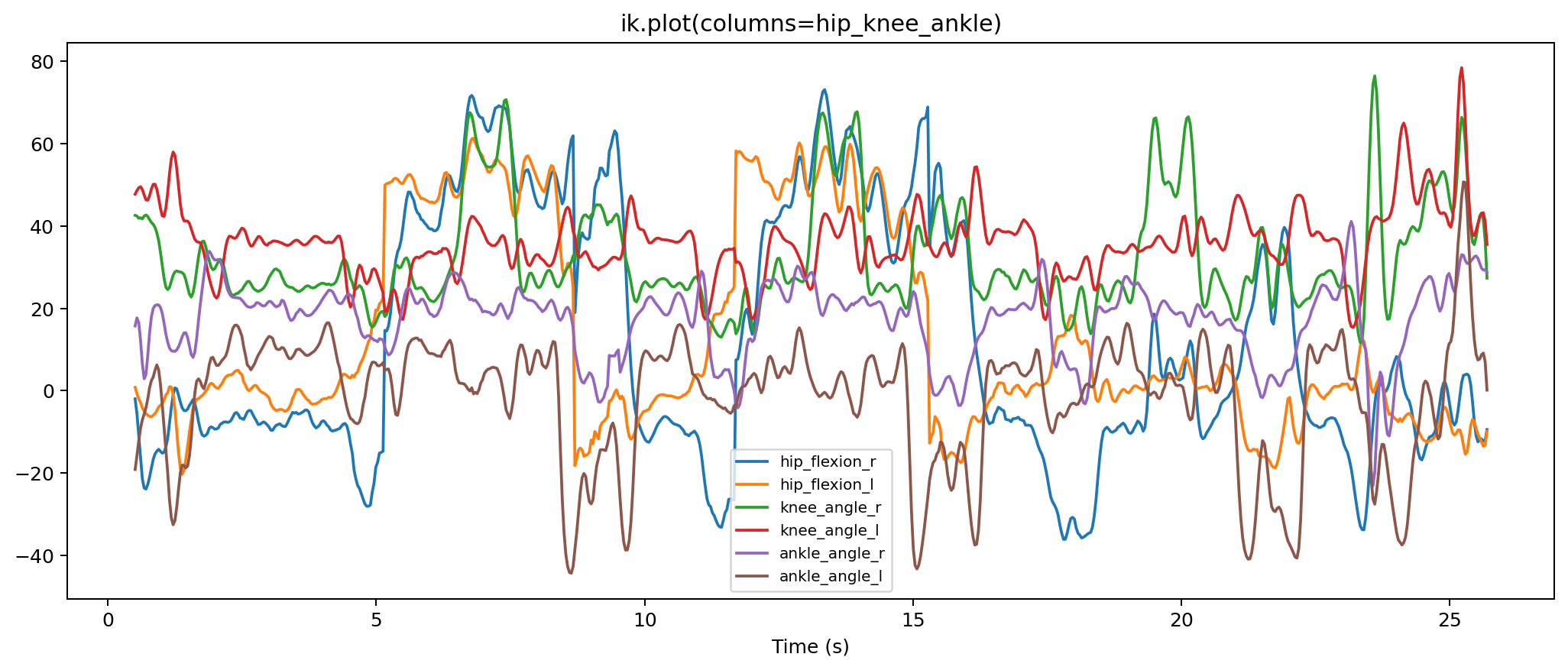
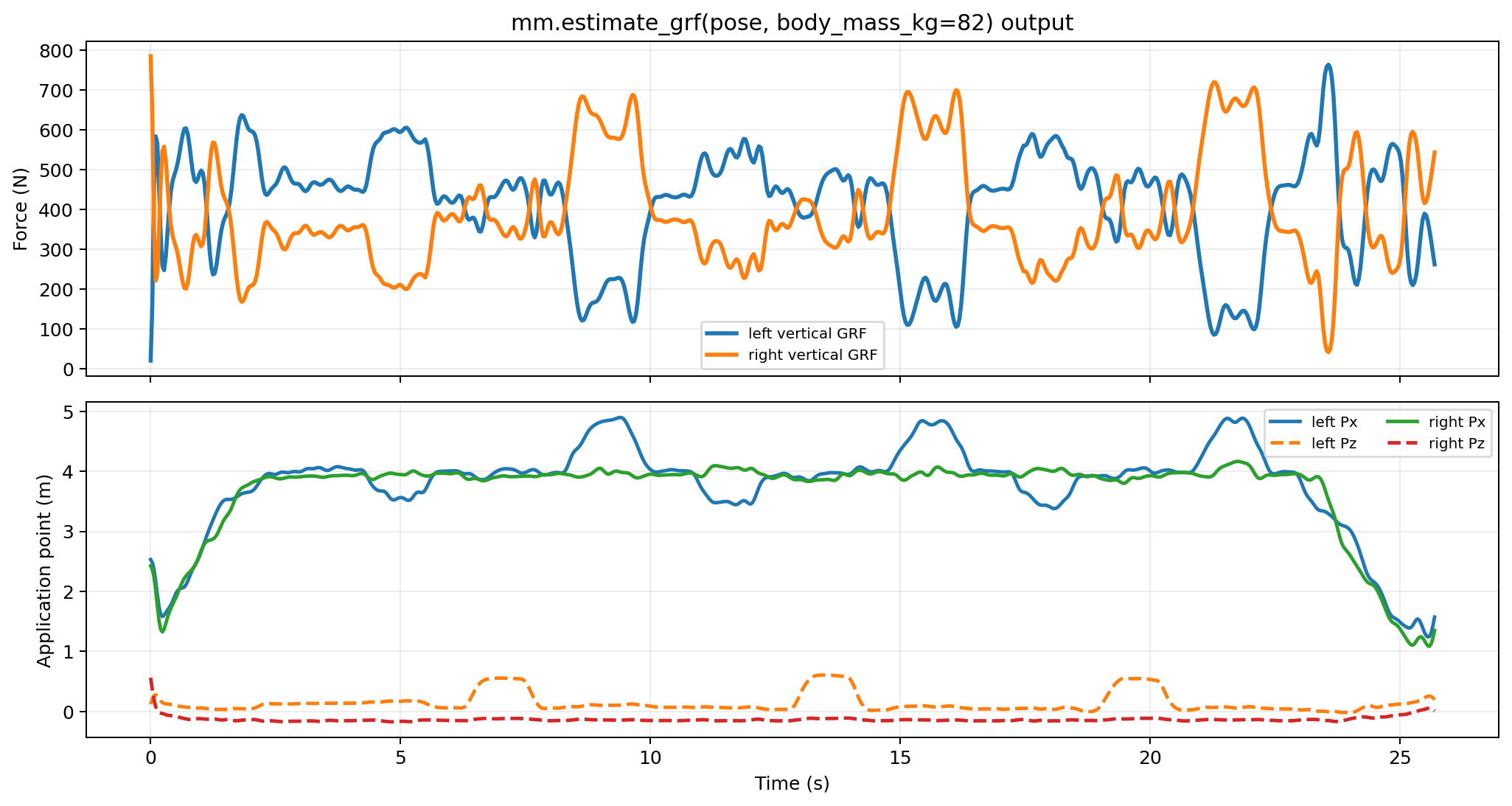
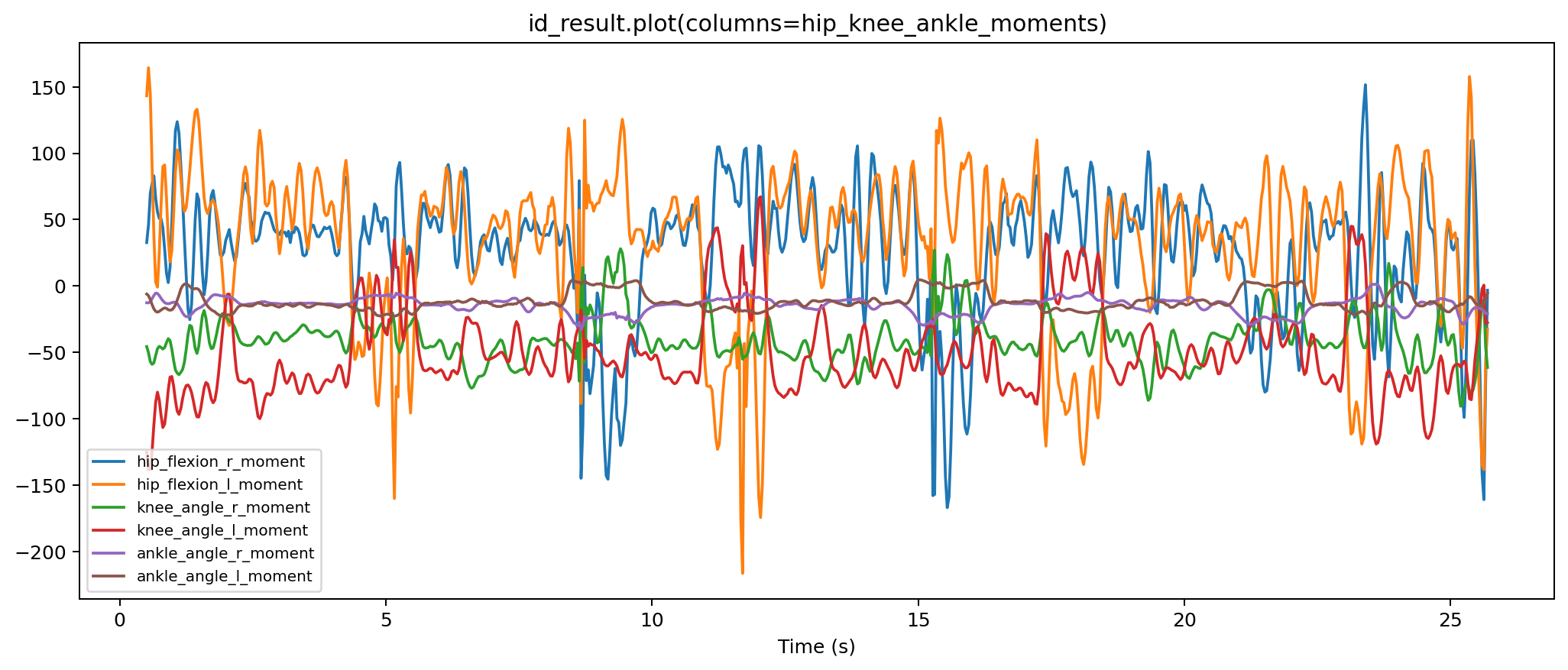
The OpenSim tables are ordinary time series. IK produces coordinate trajectories, external-load files contain force and point signals, and ID produces force and moment traces.
Recommended Layout
Use one output directory per subject or trial:
This keeps intermediate pose data, exported TRC files, and OpenSim results together without mixing subjects.