Online Visualizer
Use the browser visualizer to inspect a monomech .glb animation without installing Python. The page starts empty and waits for a file you choose. The file stays in your browser; it is not uploaded to a server.
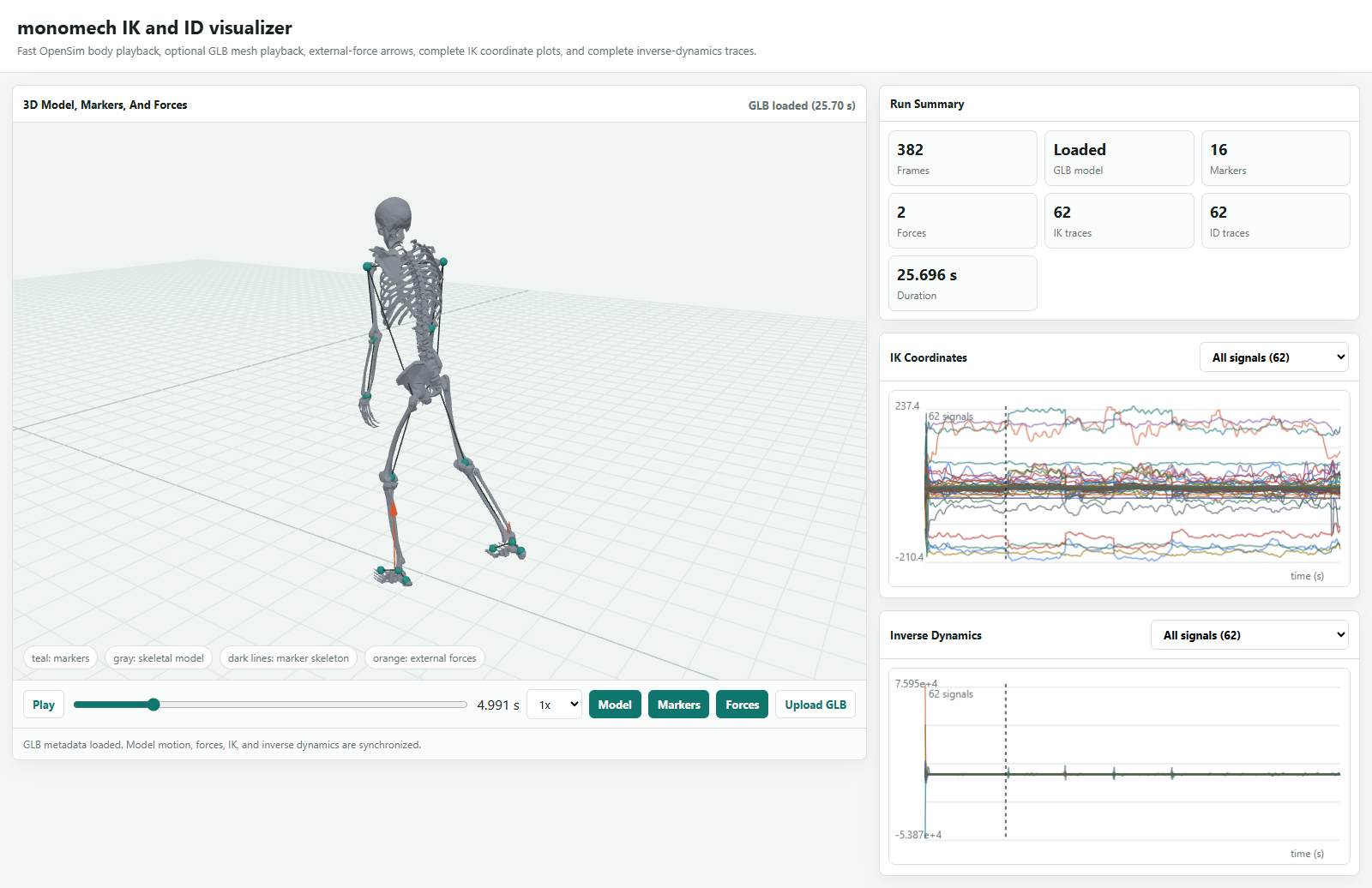
The same viewer is available from Python:
To open a specific GLB from a notebook:
If the notebook browser cannot access that file path, use inline mode:
What It Shows
- animated OpenSim mesh playback from a monomech-exported GLB
- upload-first browser use, so the docs page starts empty
- playback speed, play/pause controls, and orbit controls
For a full exported dashboard with synchronized markers, external forces, IK plots, and ID plots, create it from Python:
viewer = mm.animate(
    ik=ik,
    id=id_result,
    output_dir="outputs/subject01/visualizer",
    external_loads_path=id_result.metadata["external_loads_mot_path"],
)
viewer.show()
animate() focuses on creating the animation and exported dashboard. The returned viewer also keeps the model marker positions used for the display: